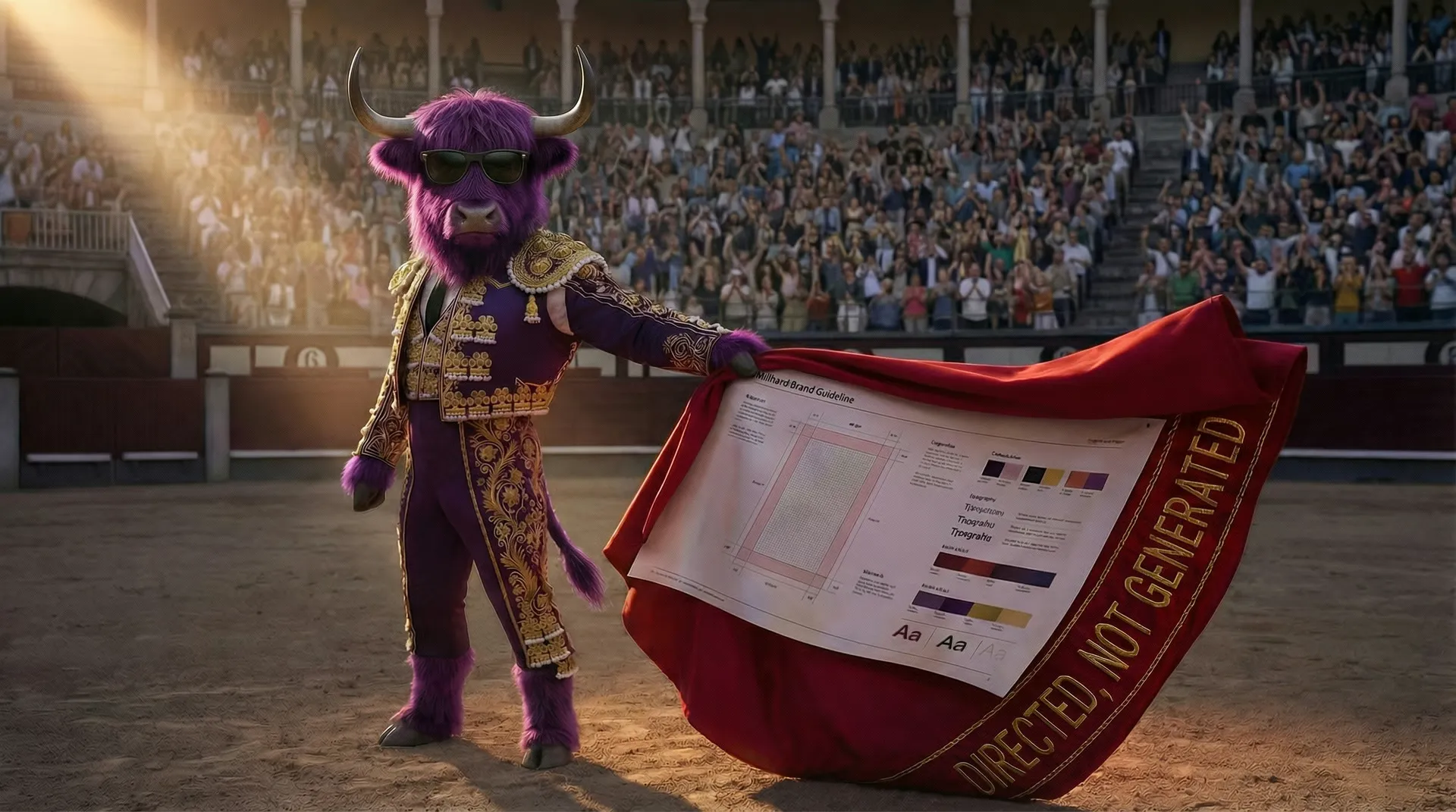
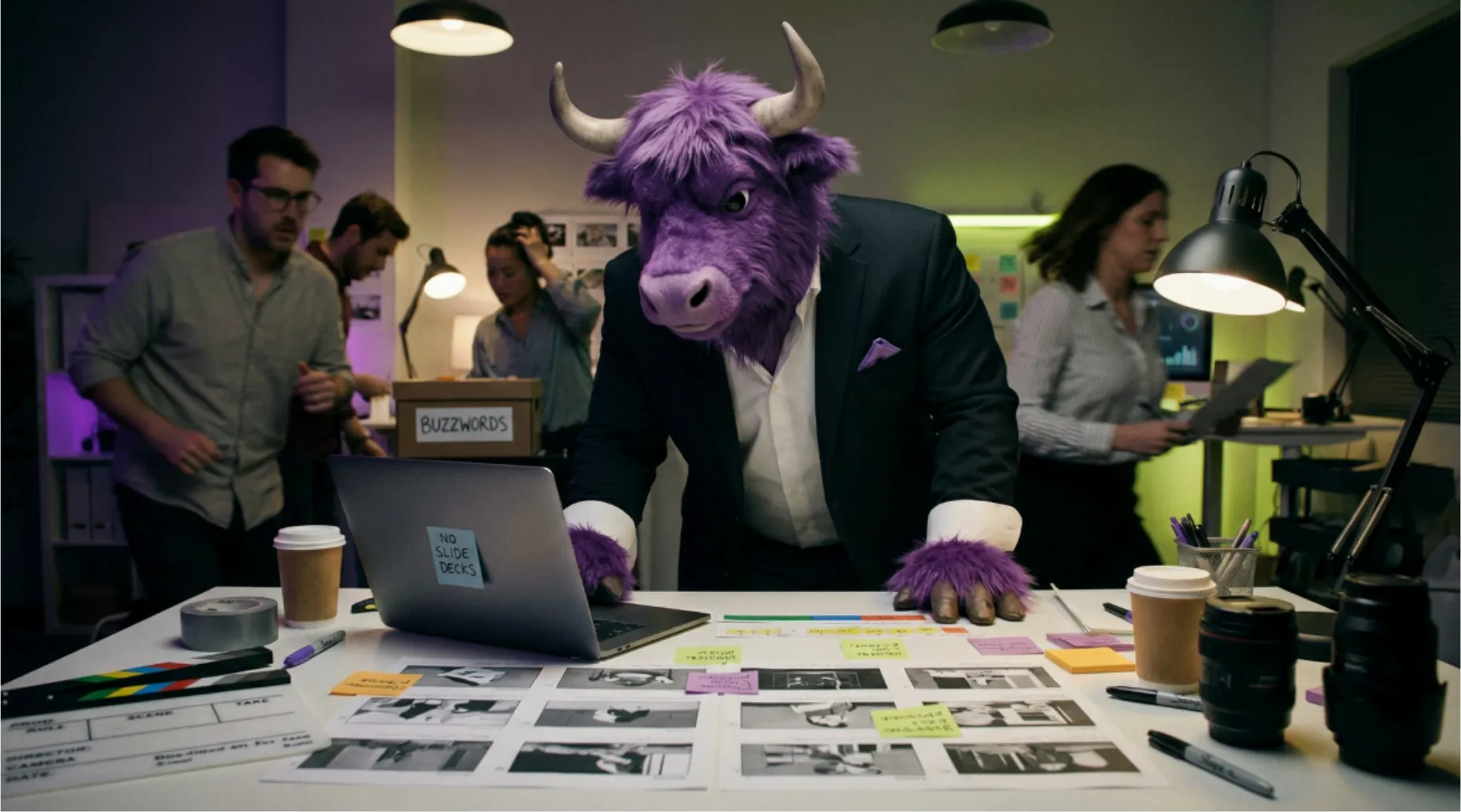
Why AI Content Workshops Actually Work (And What Happens When Teams Learn to Direct, Not Just Generate)

Most teams buy AI tools and then stall.
Not because the tools are bad — but because nobody showed them how to direct AI like a production tool, instead of treating it like a magic button.
AI can now produce work that would’ve cost hundreds of thousands not that long ago.
Cinematic worlds. Premium product visuals. Endless variations. Faster turnarounds.
So why are most marketing, brand, and production teams still stuck?
Because the space is moving like a nightclub strobe light: new tools, new models, new “must-try” features every week. Teams get overwhelmed. They stall. Or worse — they improvise.
And improvising with AI is like trying to fly a jet because you watched a 9-minute YouTube tutorial.
Sure, you can hit buttons. You can make it move.
But unless you understand how to direct it, you won’t control where it lands.
Why AI Content Workshops Matter Now
Generative AI has moved past novelty. It’s now a production layer for:
product imagery
campaign concepts
social cutdowns
video localisation
internal comms
brand world-building
The upside is obvious:
more output
faster iteration
lower production cost
more ideas tested before committing budget
But the downside is just as real:
brand drift
hallucinated details
cheap-looking outputs
teams producing volume with no system
This is why AI training workshops are becoming essential. Not because people need “intro to prompts.” Because they need systems.
What Actually Makes Workshops Work
The best generative AI workshops don’t teach people to type better adjectives.
They teach production thinking:
How to set constraints
How to define visual intent
How to use reference images properly
How to refine outputs without starting from scratch every time
How to decide whether AI, real production, or a hybrid is the best choice
That’s why they work.
Because they move teams from random generation to repeatable production.
The Shift: From Prompting to Directing
Most teams start with prompting.
The better teams graduate to directing.
Prompting says:
“Make this look premium.”
Directing says:
“Natural side light. 50mm lens feel. Premium retail environment. Product proportions must remain exact. Packaging text stays legible. Warm highlights. No extra objects. Keep the framing clean.”
That’s the difference between hoping and controlling.
Workshops that land well teach people how to think in this second way.
What Teams Learn Fast
1. The Model Is Literal
AI does not “know what you mean.”
It guesses from patterns.
That means vague prompts create vague work.
Teams quickly learn that precision beats enthusiasm.
2. Multimodal Workflows Beat Text-Only Prompting
Text + image references are control.
Example from an e-commerce workshop:
Bad approach: “Make a modern living room with our sofa.”
Result: AI invents a sofa that isn’t yours.
Better approach: upload the exact product image + a reference interior style, then specify:
“Keep the product exactly as shown. Maintain proportions and colour accuracy. Place in this interior style. Natural light.”
Result: the product stays accurate. The context changes. The brand stays intact.
That’s multimodal workflow — text, images, and references working together.
3. Build Guardrails Before You Generate (Not After the Damage)
Most teams generate first, then wonder why everything feels off.
Teams that get value from AI do the opposite. They lock brand rules first:
what you never show (even if AI suggests it)
visual consistency rules (lighting, palette, composition)
product accuracy requirements (what must stay exact)
tone boundaries (premium vs accessible, playful vs serious)
In effective workshops, teams leave with brand-specific guardrails — not generic “AI best practices.”
4. Edit Like a Professional (One Change at a Time)
Beginners try to fix everything in one prompt.
The result is chaos.
Professionals edit like post-production:
change one thing
evaluate
change the next thing
evaluate
AI becomes an edit suite, not a slot machine.
5. Kill Outputs Fast (Curation Is 80% of the Skill)
Generation is easy.
Knowing what to keep is hard.
A simple rule teams learn fast:
generate 10
kill 7 immediately
refine 2–3
ship 1
The skill isn’t making more.
It’s choosing better — and developing a shared language for “this works” vs “this is AI slop.”
What Makes These Workshops Different
Most generative AI training teaches button-pushing:
“Here’s Midjourney. Here are the commands. Good luck.”
Workshops that stick teach production discipline:
how to maintain brand consistency at scale
how to spot hallucinated details early
how to refine instead of endlessly re-rolling
when to stop, when to restart, when to shoot it for real
how to build a workflow teams can actually repeat
And they work on real problems, not demo files.
Real Results From Teams We’ve Trained
APAC e-commerce brand (product content)
Before:
lifestyle imagery outsourced ($2K–$4K per scene)
3–4 week turnaround for new contexts
limited ability to test styling directions
After:
controlled product-in-context imagery ($200–$400 per final)
2–3 day turnaround
8–10 styles tested before committing
Result: ~70% lower cost per scene, ~80% faster turnaround, with product accuracy held to brand standards.
Sydney agency (pitch & concept production)
Before:
boards and visualisation costing $15K–$25K per pitch
~3 weeks turnaround
only 2–3 routes explored
After:
in-house concept visualisation (~$2K per pitch)
3–5 day turnaround
8–10 directions explored before presenting
Result: workshop paid itself back in ~2 pitches.
In-house media team (broadcast + digital)
Before:
junior team generating “cool AI stuff” with no consistency
creative leads fixing brand drift manually
no shared rules for what was shippable
After:
documented workflows and quality checklists
guardrails preventing off-brand output
significantly fewer unusable generations
Result: AI became production infrastructure, not a toy.
What’s Actually Covered (Without the Boring Timeline)
The focus is on skills that matter:
how generative AI actually works (enough to control it)
multimodal prompting (text + image + reference)
maintaining product accuracy while changing context
quality control: what to check before shipping
iterative refinement (when to refine vs restart)
video generation (when motion adds value, when static is smarter)
tool landscape (what different tools are good at)
brand safety: copyright, consent, likeness, disclosure
building repeatable workflows: templates, approvals, rollout plans
This is generative AI training for marketing and production teams who need results, not demos.
Why Waiting Costs More Than Training
If you don’t move now, you don’t stay still. You drift.
What happens instead:
people experiment in silos
bad habits become “how we do it”
inconsistency spreads
fixing it later costs more than building it right today
Meanwhile, competitors are producing more, testing faster, spending less per asset — and building systems that compound.
The Real ROI: Direction Skills That Survive Tool Changes
A good workshop doesn’t teach a specific tool.
It teaches how to direct any AI tool — now and whatever comes next.
The skills transfer:
constraints and intent
references and control
iterative refinement
quality judgement
brand consistency guardrails
Because AI isn’t the jet.
Your team is.
AI just changes how fast you can go — and how badly you can crash without direction training.
If Your Team Is Overwhelmed, That’s Not a Failure
That’s a signal you need creative direction training, not more tools.
You don’t get the gains by pressing Generate.
You get them by learning to direct the machine the way you’d direct any creative
tool: with intent, taste, and professional judgement.
If you want a hands-on AI content workshop (Sydney, across APAC, or remote), built around your real production bottlenecks, that’s the conversation to have.
Check more blogs
A quick overview of how we work together to make your edit best in class!