The best AI work system for a small business is smaller than you think


The small-business AI dream is fifteen tools, seven agents and a dashboard monitoring the dashboard. Lovely. You have successfully invented a second business whose only product is administration.
The useful system is smaller: one working space, one reliable knowledge home, four repeatable workflows and a human who knows when to press pause.
This article shows how to build that without turning your team into unpaid IT support.
The small system
Start with four layers:
Working space - where people ask, think, draft and review.
Knowledge home - where current services, templates, examples and policies live.
Workflow cards - simple instructions for recurring jobs.
Approval gates - the moments where a person checks facts, money, promises or external communication.
You can add tools later. First make the shape understandable.
Workflow one: enquiry to prepared conversation
A small business loses time when a new enquiry arrives and the context has to be rebuilt from scratch.
A useful workflow can:
collect the enquiry and relevant history
identify the likely need
find matching services or examples
list missing information
draft useful questions
prepare a short conversation brief
It should not invent a budget, promise a result or send a confident reply without review.
Human gate: someone checks the facts and decides how the relationship should begin.
Workflow two: meeting to action
Meeting notes are only valuable if work moves afterwards.
The system can produce:
decisions made
open questions
actions and owners
deadlines
risks and dependencies
a short follow-up draft
A person confirms what was actually decided. Otherwise the meeting assistant becomes the most confident participant in the room.
Workflow three: brief to first draft
Whether the output is a proposal, article, campaign idea or film treatment, start by structuring the brief.
Ask the system to identify:
audience
objective
promise
evidence
constraints
tone
deliverables
unresolved questions
Then ask for a first draft with assumptions marked. The point is to get to a useful conversation earlier, not to pretend the first output is finished.
Workflow four: idea to approved assets
For content, the AI system can turn one approved idea into a structured production pack:
core message
audience versions
headline options
shot or scene list
storyboard prompts
image directions
social cutdowns
review checklist
The source message must remain stable. Create variations after the truth is approved, not before.
What not to automate first
Be cautious with workflows involving:
legal advice
health or safety claims
payments
deletion
employment decisions
confidential client information
anything that publishes or sends externally
Start with preparation, drafts and reversible steps. Earn the right to automate through evidence.
A simple weekly rhythm
Monday: review the knowledge home and active workflows.
During the week: run the workflows on real jobs and note where they fail.
Friday: capture improvements, retire stale instructions and review errors.
This turns the system into a maintained working asset rather than an installation nobody looks at again.
How to know it is working
Measure:
time saved to a useful first draft
number of revisions
errors caught before delivery
percentage of the team using the workflow
time spent searching for context
whether clients or customers experience a better response
A tool that produces more files is not automatically creating more value. Sometimes the best automation is deleting the unnecessary step.
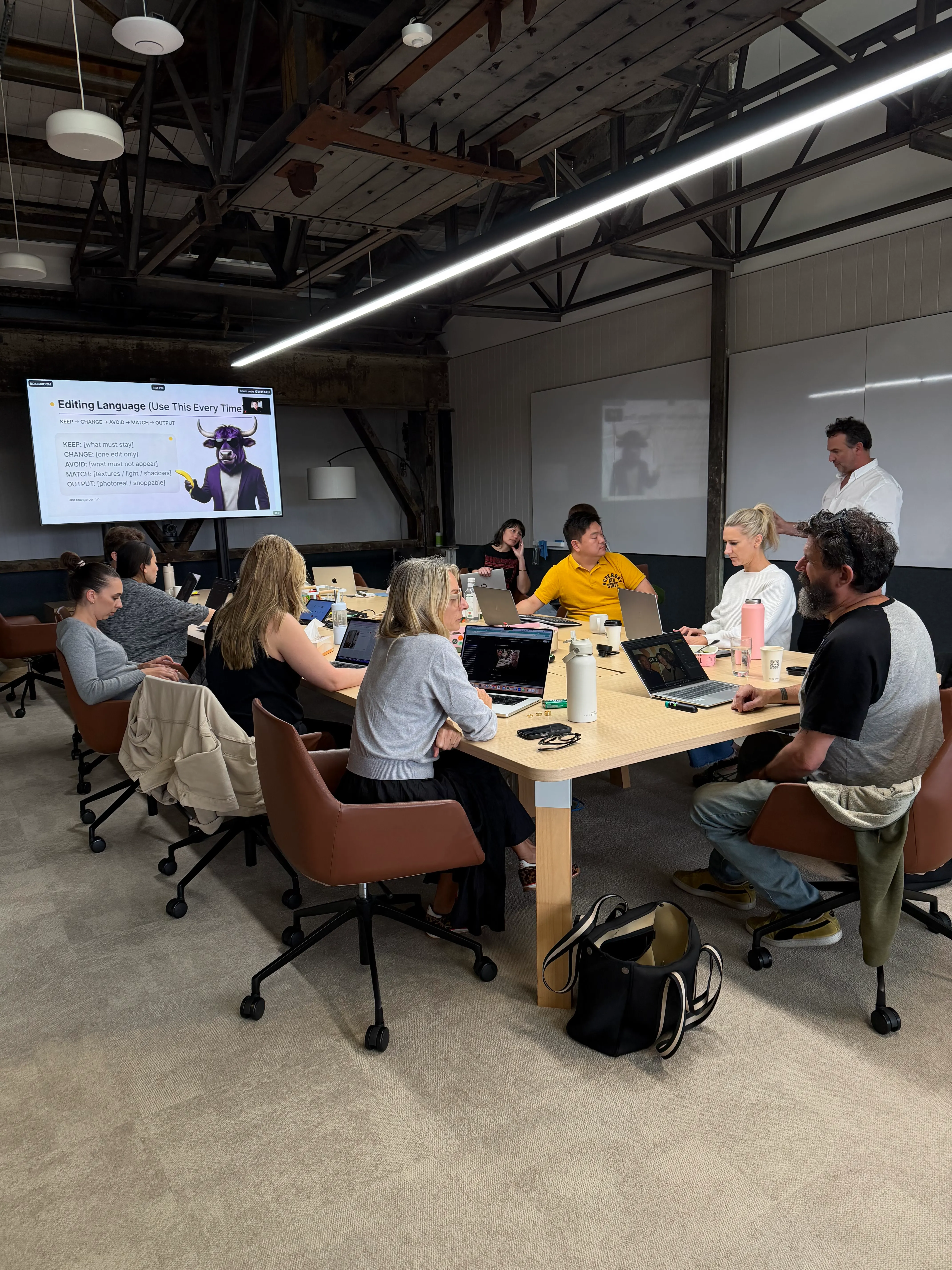
Workshop version
Exercise: build your smallest useful system - 75 minutes
10 min: list the recurring work that drains time
15 min: choose four workflow candidates
20 min: map one workflow in detail
15 min: define source material and approval gates
10 min: write the weekly maintenance rhythm
5 min: choose the first measure
Output: a one-page system map and one workflow ready for a live pilot.
Small is not unsophisticated. Small is what people can understand, maintain and actually use.
Pixel Juice can help set up the working space, knowledge structure and first four workflows.
Check more blogs
A quick overview of how we work together to make your edit best in class!